Online booking
A separate booking calendar and lane scheduler
Built specifically for axe houses
Booking. Waivers. Check-in. Payments. Lane screens. Scoring. Leagues. Memberships. Marketing. Reporting. One connected system for the guest experience and the business behind it.
$0 monthly software fee. One 5% platform fee. Pass it to the guest, cover it, or split it.
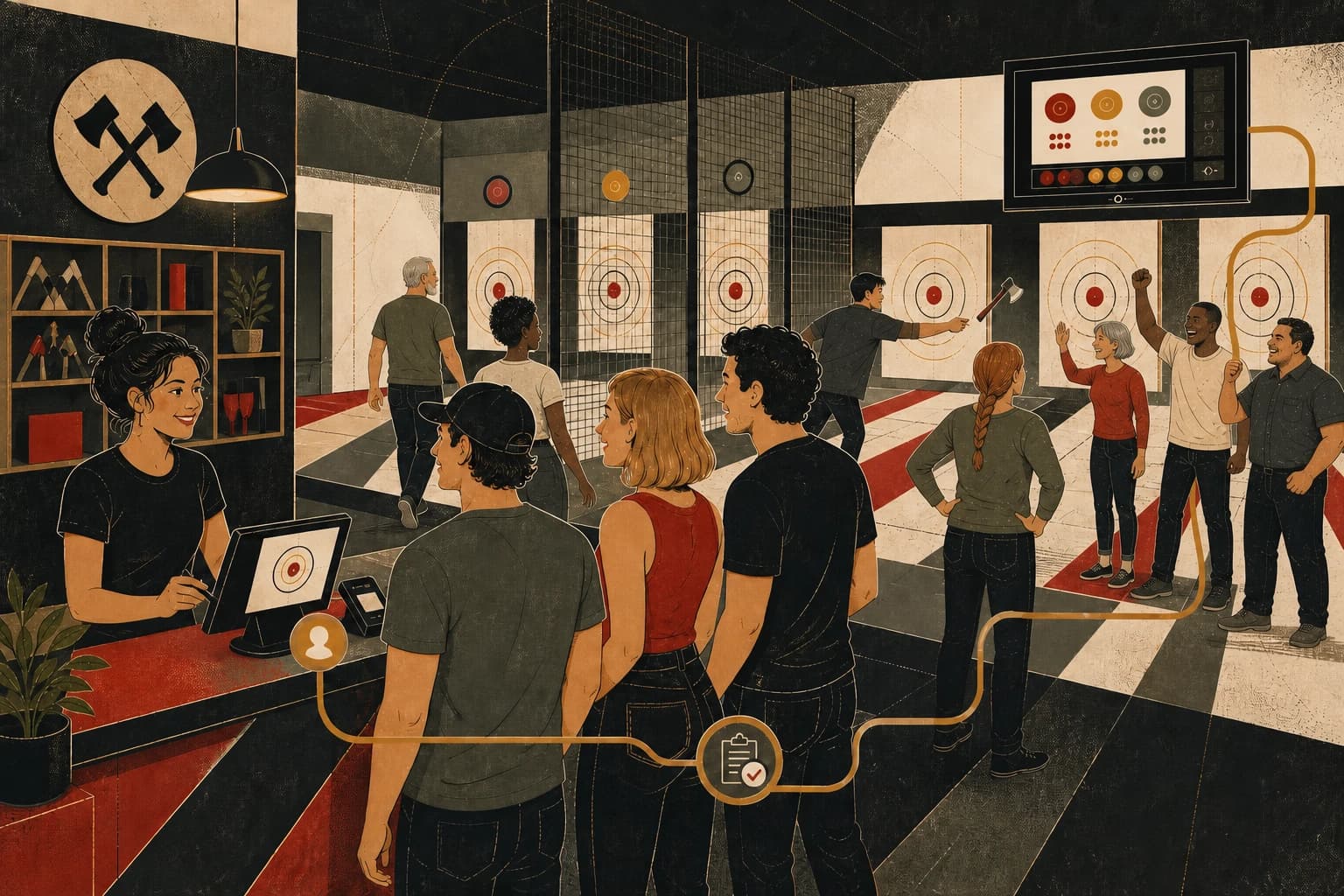
Booked
Lane sold
Checked in
Waivers ready
On lane
Session live
Scored
Results saved
Back again
Return play
One connected venue record takes the place of the patchwork that usually sits between a booking and the next visit.
A separate booking calendar and lane scheduler
A stand-alone waiver and signature app
Paper notes, inbox searches, and disconnected check-in
A timer beside a separate scoring system
Spreadsheets for schedules, standings, and brackets
Disconnected balances and customer lists
Manual exports and one-off reminders
Reports assembled across several dashboards
A separate website vendor and hosting bill
Another service for confirmations and reminders
Your staff stops bouncing between systems. Your customer stays in one experience.
Blade carries the same booking through waivers, arrival, lane assignment, scoring, results, customer history, and future bookings. Staff and owners work from the same venue record.
One booking record
One live venue view
One customer history
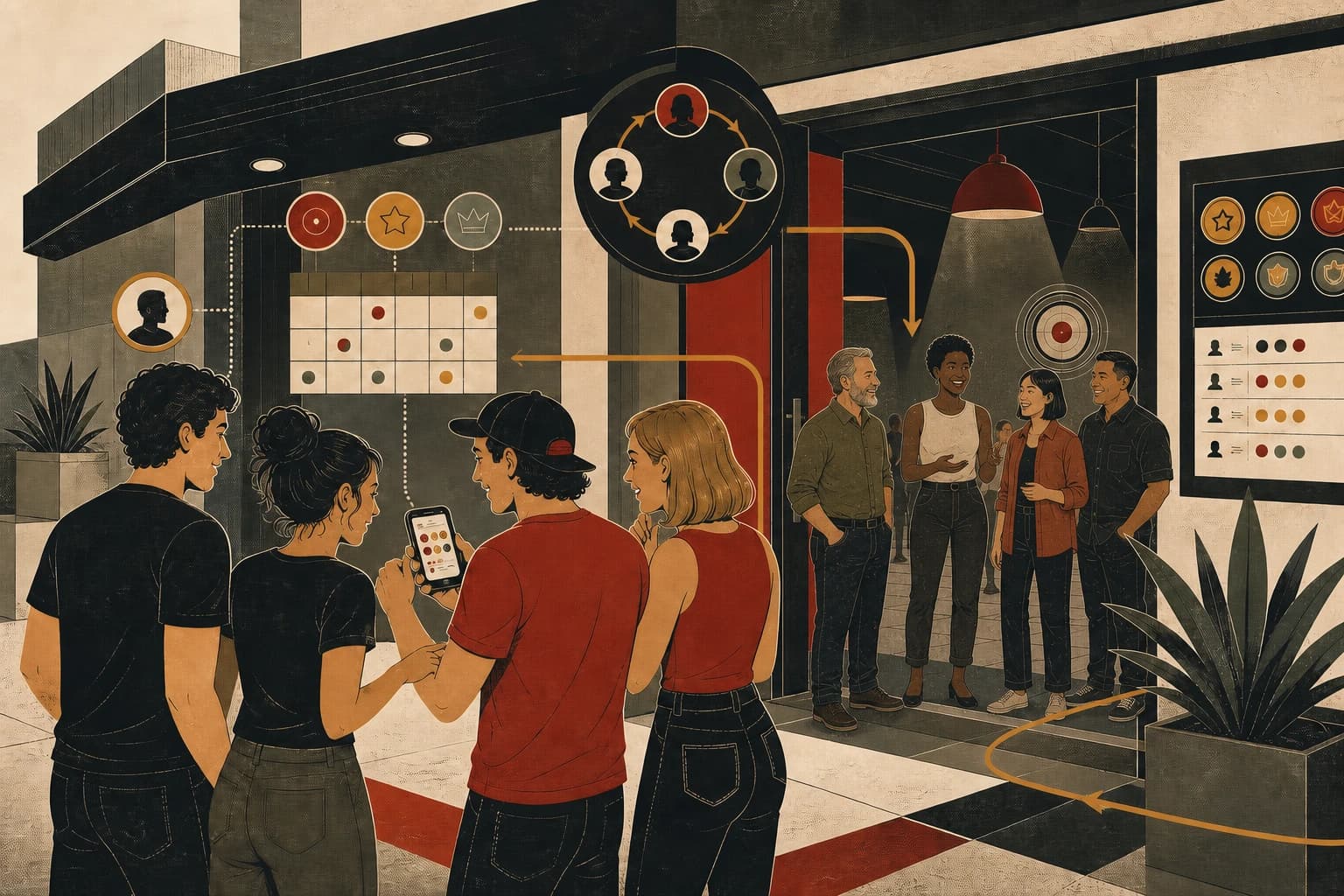
Blade gives players live scoring and shared results during the session, then saves those results to profiles, leaderboards, and league records that remain available after the visit.
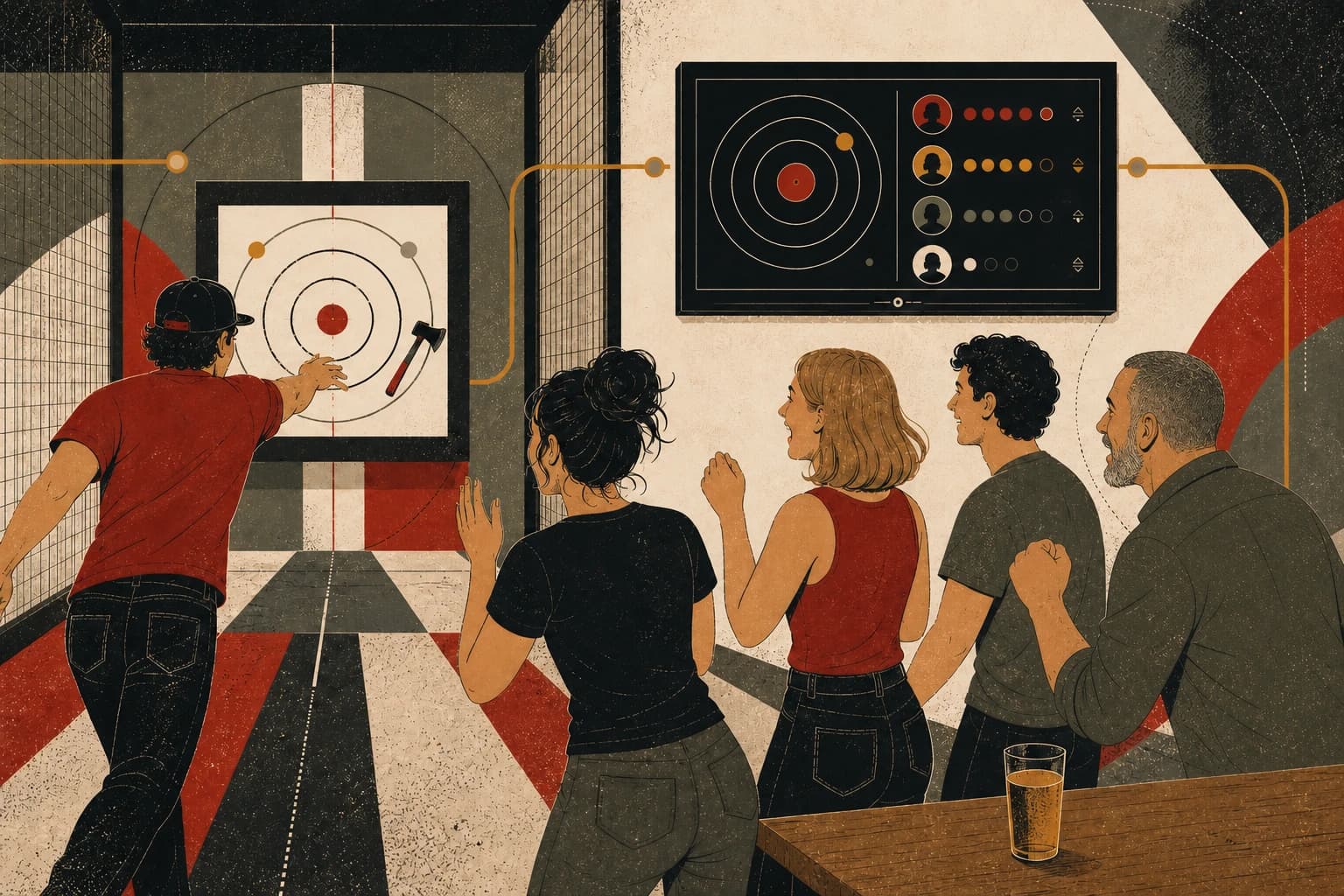
Live scoring / personal bests / lane-vs-lane play
Players enter each throw on the lane screen and see the updated score without sending staff back to a paper scorecard or separate scoring tool.
Shared results / celebrations / player identity
The shared screen keeps the current score, player order, and final result visible so the group can follow the session together.
Achievements / community / return play
Results can feed player profiles, achievements, leaderboards, leagues, and future invitations without staff re-entering the session in another system.
The illustration explains the guest loop. These clips show the live Blade lane screen and scoring experience itself.
Blade turns the session into a private, useful recap built from the guest's own visit—not a public feed and not a generic marketing blast.
Guests can revisit the people and moments from the lane.
Final scores stay connected to the session that produced them.
Standout finishes become something worth sharing after the visit.
Player history gives the next visit a score to chase.
The rematch action takes guests directly back to your venue's booking flow.
Blade follows the way an axe house operates, so each team sees the information needed for the next part of the guest visit.
Blade keeps lane availability, buffers, packages, deposits, private events, and pricing rules in one booking flow.
Staff can see bookings, balances, waivers, party notes, upgrades, and walk-ins together at the front desk.
Live scores, results, leaderboards, and photos stay connected to the booking and the players who created them.
Manage schedules, standings, brackets, and player history beside standard bookings instead of in spreadsheets or a second tool.
Memberships, passes, gift cards, loyalty, referrals, and scoring history stay attached to the customer record.
Review lane demand, revenue, promotions, dayparts, memberships, and returning customers without assembling separate reports.
You do not rebuild your business around Blade. We configure Blade around your business.
Website redesign and hosting are included—there is no separate website build or hosting fee.
Transactional email is included. SMS remains separately metered because carrier delivery has a direct usage cost.
Set lane inventory, session lengths, packages, buffers, waiver rules, and staff roles.
Tie in Stripe or Square and set deposits, checkout rules, and event logic.
We redesign and host your venue website, then connect booking and the guest journey from the start.
Give the team one workflow for bookings, arrivals, lanes, scoring, leagues, reporting, and included transactional email.
Walk Matt through your current stack and workflow. He'll show what Blade can replace and outline a practical launch path around your venue.