Axe Throwing Management Software

Blade combines booking, waivers, front desk flow, digital scoring, coaching tools, leagues, memberships, and reporting into management software built for axe throwing venues.

Bookings, check-in, scoring, and follow-up in one staff view

Dashboards for bookings, revenue, leagues, memberships, and customer activity

Staff tools for arrivals, lane sessions, coaching, scoring, and competition

Operate the desk, lanes, leagues, and customer follow-up in one platform.

  • Manage bookings, check-in, waivers, lane assignments, coach workflow, and tournament schedules from the same platform.
  • Give staff a clearer live-shift workflow with lane control, results entry, and digital tipping tied to the booking.
  • Review lane demand, memberships, promotions, and customer history without exporting every workflow to spreadsheets.
  • Use one system for public booking, on-site execution, and post-session marketing.

Where a connected venue system removes daily admin.

Disconnected tools create repeated work

When bookings, waivers, scoring, and reporting live in different tools, staff has to repeat information and owners have to assemble the venue picture manually.

Blade keeps those workflows in one platform so the booking record supports the live shift and the resulting activity is available for reporting.
Owners need operational and business reporting

Axe house owners review lane occupancy, revenue by daypart, staff throughput, league participation, membership activity, booking value, and discount use.

Management software should organize those measures without requiring the operator to rebuild the same reports in separate spreadsheets.

  • Lane-level demand visibility
  • Competition and membership reporting
  • Staff-facing live-session tools

The system should remain useful during a live shift

A venue system has to support the desk during a busy Saturday, the floor during a tournament, and the owner reviewing a promotion after the shift.

Blade uses the same operational records across those moments so the team does not have to translate between separate systems.

Make the lane screen part of the guest experience.

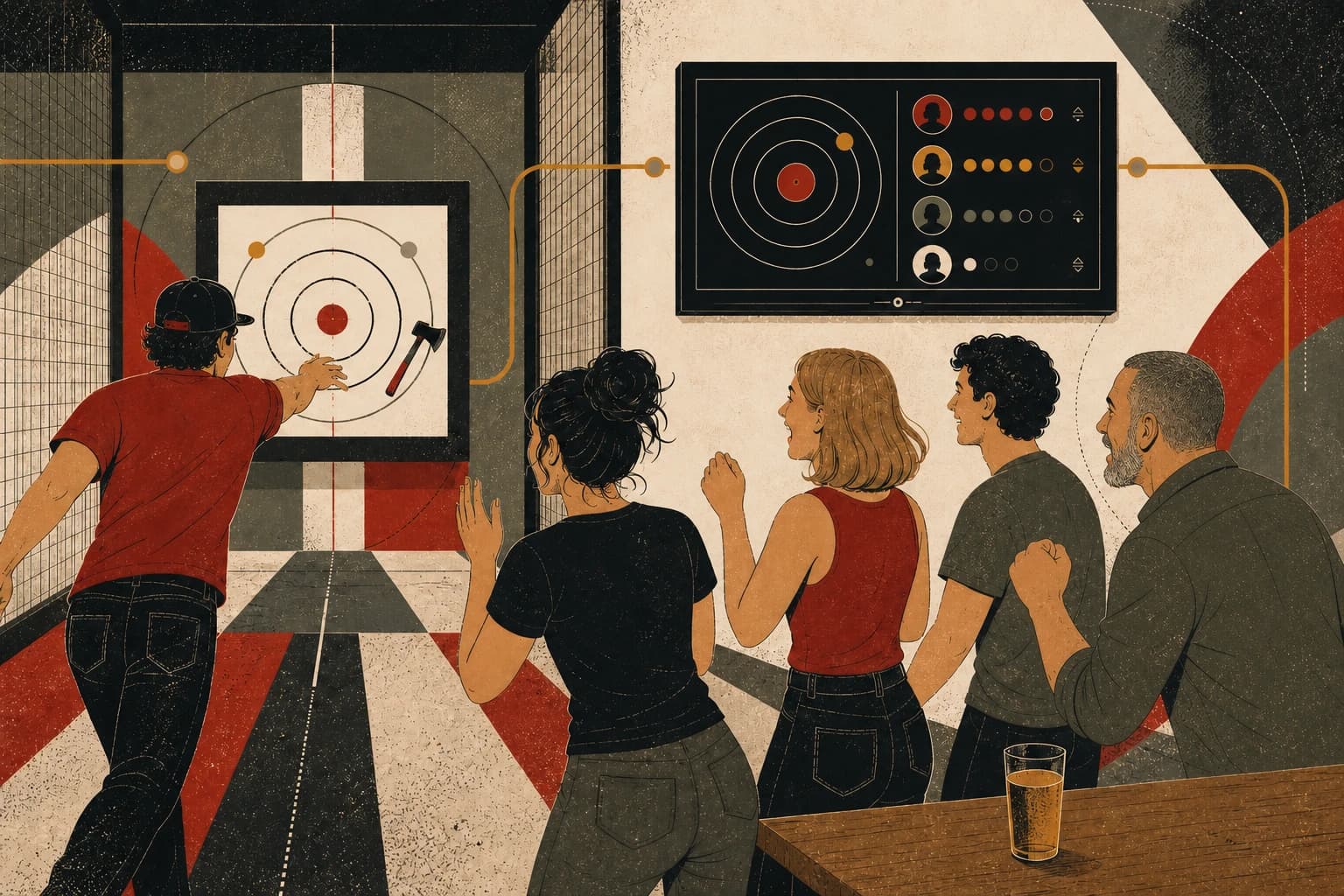
Blade gives players live scoring and shared results during the session, then saves those results to profiles, leaderboards, and league records that remain available after the visit.

A thrower and friends reacting together as a wall-mounted lane screen answers the latest throw
Live scores, shared results, and player history

Give players immediate score feedback

Live scoring / personal bests / lane-vs-lane play

Players enter each throw on the lane screen and see the updated score without sending staff back to a paper scorecard or separate scoring tool.

Keep the group involved in the round

Shared results / celebrations / player identity

The shared screen keeps the current score, player order, and final result visible so the group can follow the session together.

Save results to the player record

Achievements / community / return play

Results can feed player profiles, achievements, leaderboards, leagues, and future invitations without staff re-entering the session in another system.

Questions to answer before switching platforms.

Is Blade just booking software or full management software?+

Blade is full management software. Bookings are connected to waivers, front-desk workflows, scoring, leagues, tournaments, coaching, and customer follow-up.

Can staff use Blade during live sessions?+

Yes. Blade includes operator-facing workflows for live scoring, results, session management, and front-desk coordination, not just public booking pages.

Can Blade help with repeat visits and memberships?+

Yes. Blade supports memberships, passes, loyalty, gift cards, referrals, review prompts, and customer history in the same system.

Compare Blade with the way your venue operates today.

Review booking, front desk, lane screens, scoring, leagues, customer tools, reporting, and pricing in one evaluation.

Compare your current system