How to Choose Axe Throwing Booking Software
What owners should compare before they swap booking tools for their axe throwing venue.
Blade resources / FIELD
How to Choose Axe Throwing Booking Software
Why this matters
The right decision is less about feature count and more about whether booking, waivers, live scoring, and staff workflow stay connected once the venue gets busy.
Quick takeaways
Compare the full booking-to-shift workflow, not just checkout screens.
Lane logic, waivers, and scoring should share one booking record.
Reporting matters only if it helps you change staffing, pricing, or offers.
01
Evaluate the complete guest and staff workflow
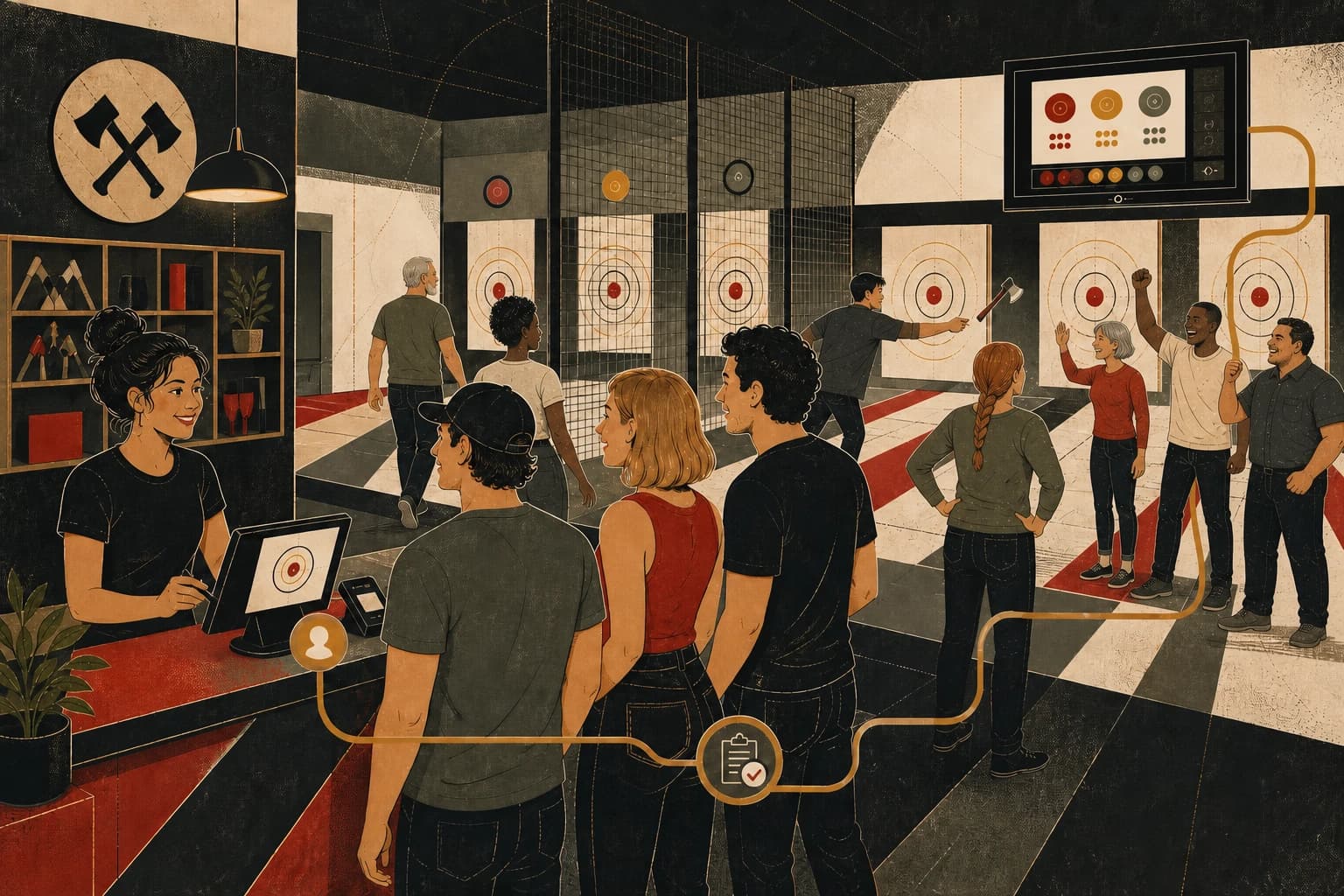
Trace a real visit through booking, waiver completion, arrival, lane assignment, live scoring, results, and customer follow-up. This shows where staff will have to move between systems.
If the system breaks into separate tools somewhere in that chain, staff will feel the gap long before the owner finishes onboarding.
02
Axe venues need lane-aware logic
Axe throwing venues do not just sell generic appointments. They sell fixed lane inventory, time-based sessions, group configurations, coaching moments, league blocks, and event packages that share the same calendar.
That means the booking system should understand buffers, private events, add-ons, and repeat play without forcing staff to manually patch the day together.
03
Check whether reporting supports a real decision
A venue dashboard should help an owner answer what is filling, what is underperforming, and what is worth changing. If the reporting is disconnected from the way bookings and sessions are run, it becomes decorative instead of operational.
Compare the reports against decisions you already make about staffing, pricing, lane availability, programming, and promotions.
More guides for axe throwing operators.
Each article focuses on a specific buying or operating decision: booking, lane use, check-in, scoring, leagues, or reporting.
Blade resources / 01
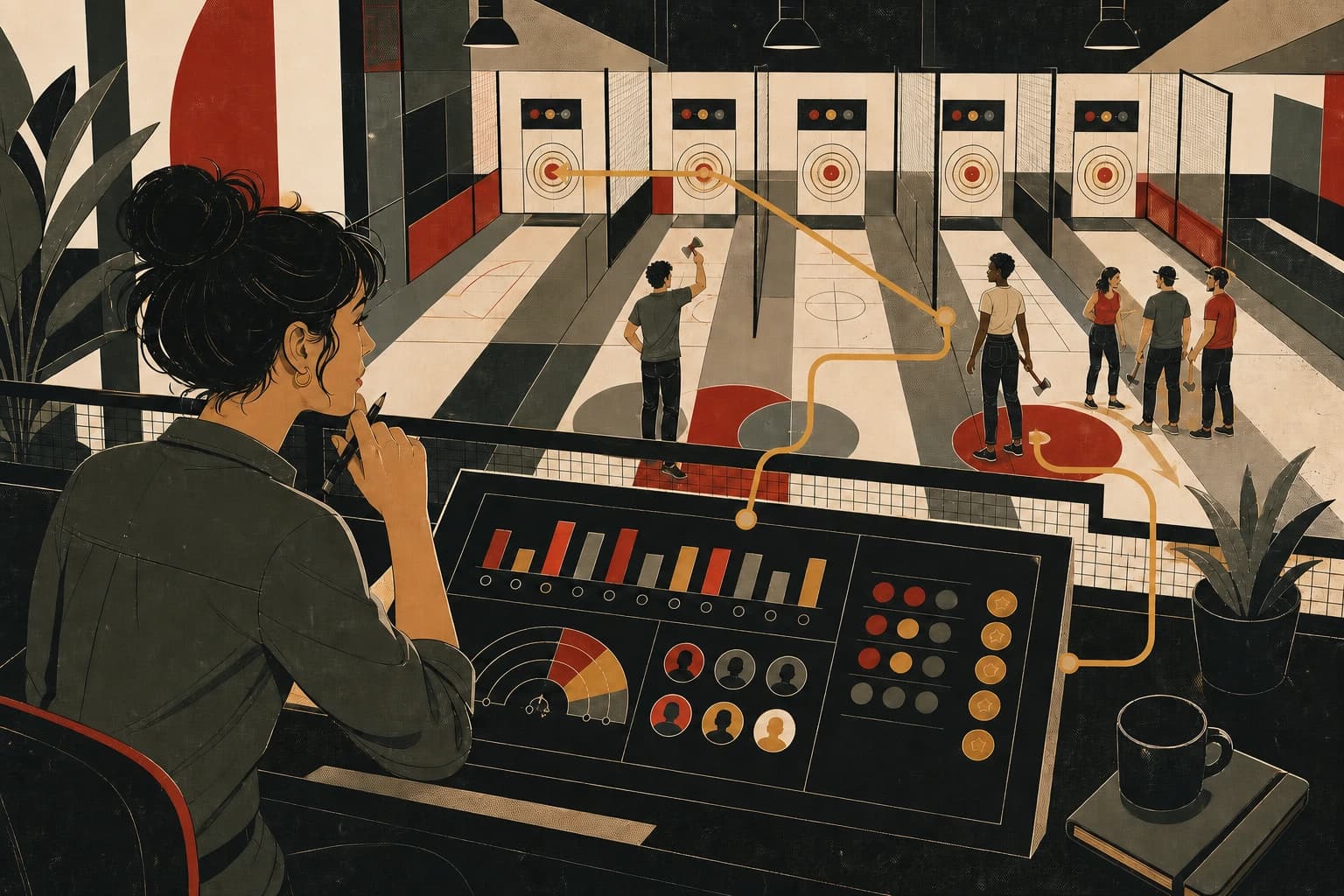
How to Fill Empty Lanes Without Discounting Everything
A practical look at happy hour, plan-and-save, dynamic pricing, and waitlist strategy for axe houses.
Blade resources / 02
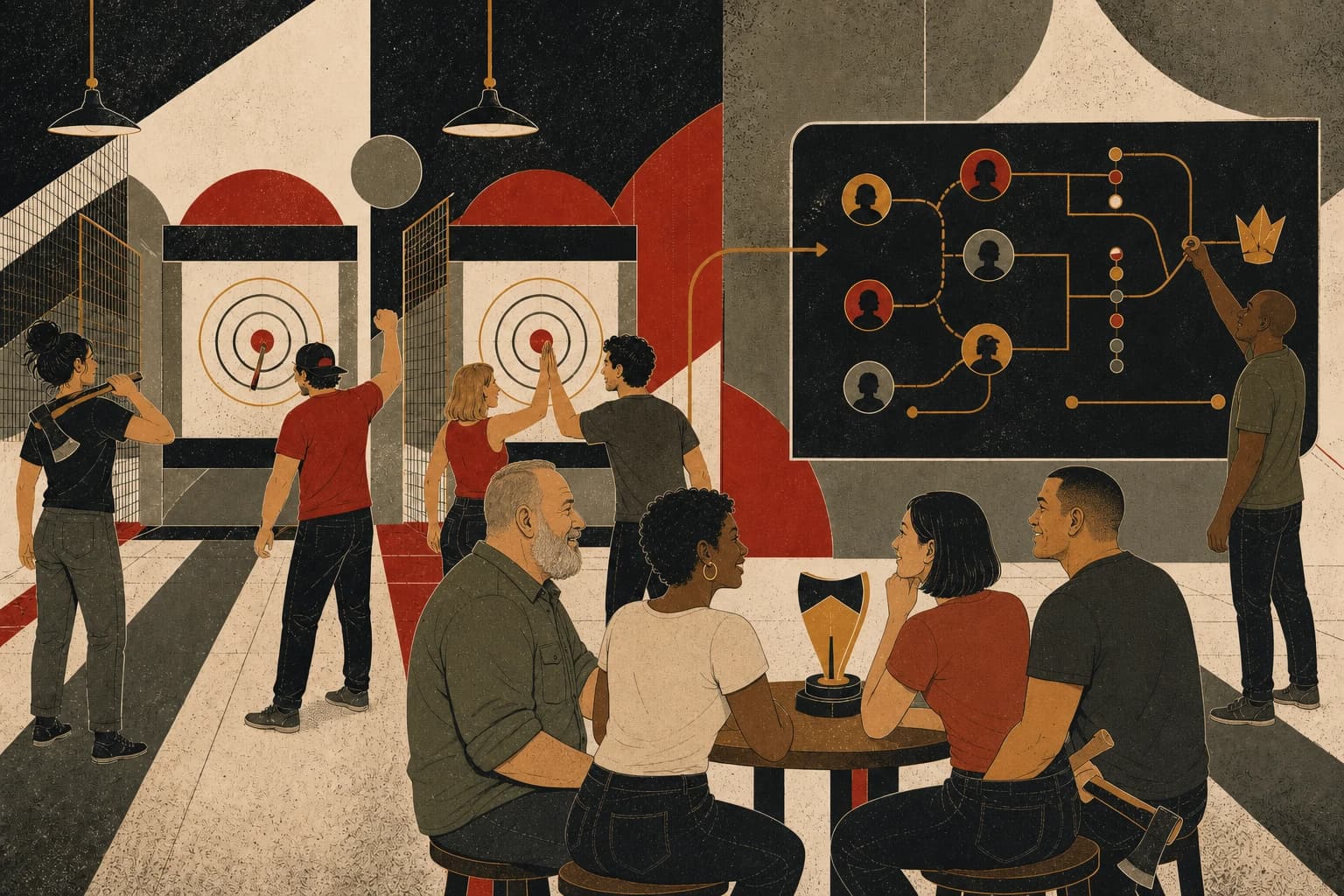
How to Run Leagues and Tournaments Without Spreadsheets
How to manage scoring, standings, brackets, player records, and bookings in one league workflow.
Blade resources / 03
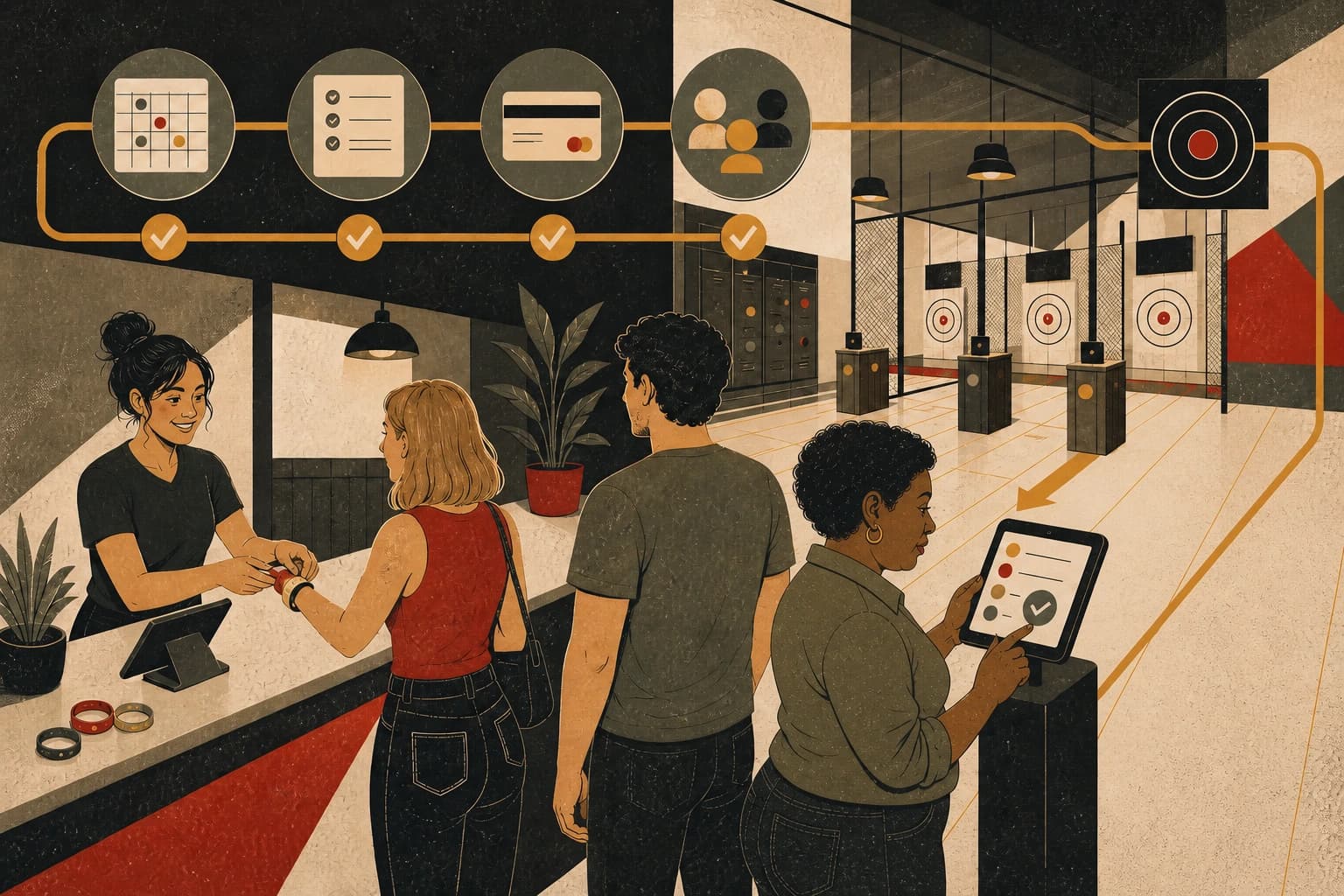
How to Speed Up Waivers and Check-In at the Desk
How venues can cut lobby friction before a busy shift turns into a queue problem.
Blade resources / 04
What to Watch in an Axe Throwing Dashboard
The views owners can use when reviewing lanes, staffing, pricing, leagues, and customer activity.
See how Blade handles this across the venue.
Compare your current process with Blade’s connected workflow for booking, scoring, check-in, customer records, and reporting.