How to Speed Up Waivers and Check-In at the Desk
How venues can cut lobby friction before a busy shift turns into a queue problem.
Blade resources / FIELD
How to Speed Up Waivers and Check-In at the Desk
Why this matters
A practical guide for owners comparing booking, front-desk, lane, league, customer, and reporting workflows.
Quick takeaways
Send the waiver before the guest arrives.
Desk speed improves when notes, balances, waivers, and lane info live together.
Keep kiosk and self-service activity visible to staff.
01
Check-in shows where information is missing
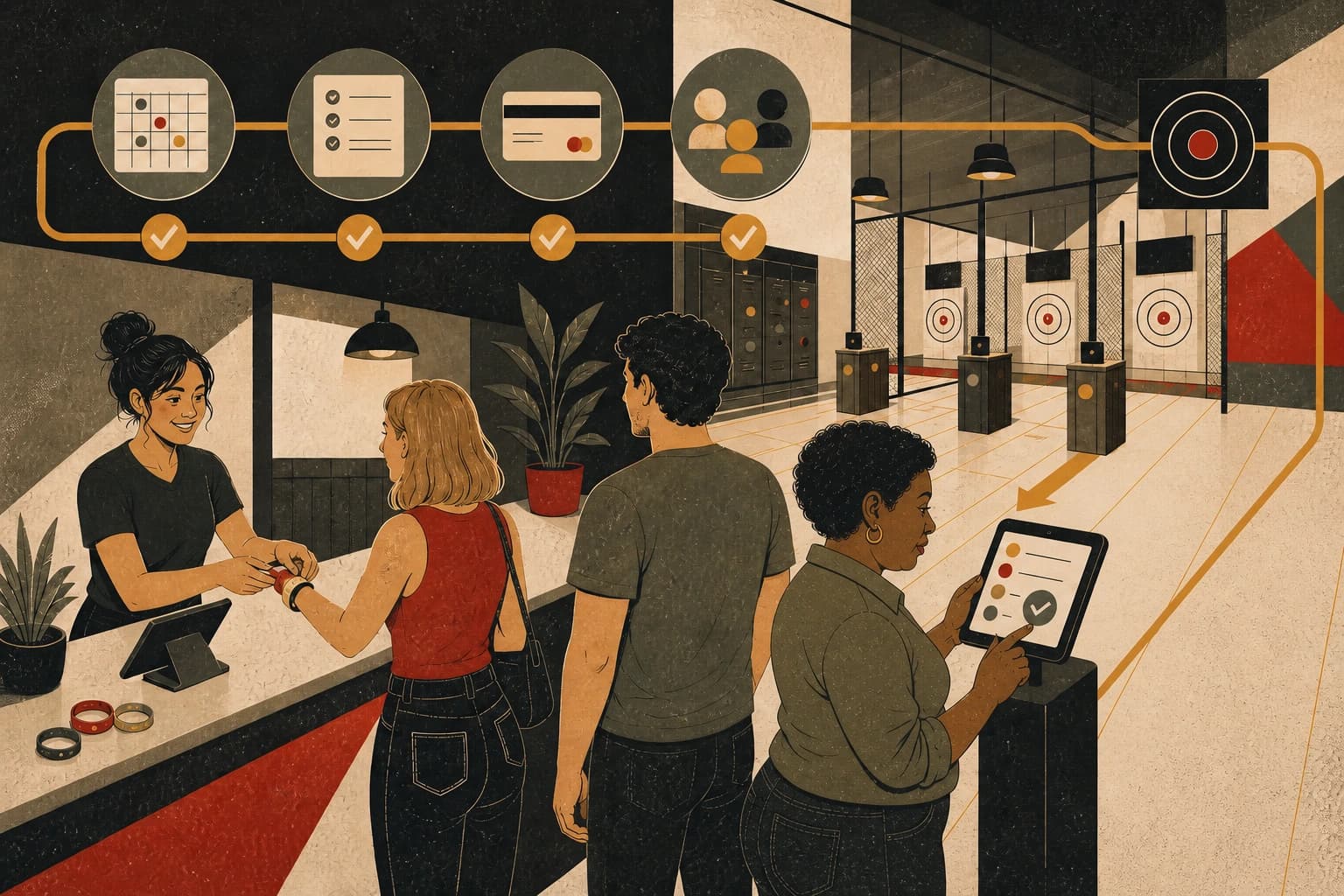
If guests arrive unsure about waivers, balances, or what happens next, front-desk staff has to resolve those questions while the group waits.
Venues can reclaim a lot of time by shifting waiver completion earlier and keeping the arrival state visible before the group reaches the counter.
02
Put arrival information in one staff view
When the desk sees waiver status, balance status, package notes, lane assignment, and session timing together, staff can complete check-in with fewer lookups while a line forms.
The goal is a clearer arrival for the guest and fewer repeated checks for the team.
03
Self-service should still help the staff
Kiosk or self-check-in tools are valuable only if the staff can still see the same state in real time. Otherwise the venue just moves confusion from the customer to the counter.
A self-service flow should update the same live arrival view staff already uses.
More guides for axe throwing operators.
Each article focuses on a specific buying or operating decision: booking, lane use, check-in, scoring, leagues, or reporting.
Blade resources / 01
How to Choose Axe Throwing Booking Software
What owners should compare before they swap booking tools for their axe throwing venue.

Blade resources / 02
How to Fill Empty Lanes Without Discounting Everything
A practical look at happy hour, plan-and-save, dynamic pricing, and waitlist strategy for axe houses.
Blade resources / 03
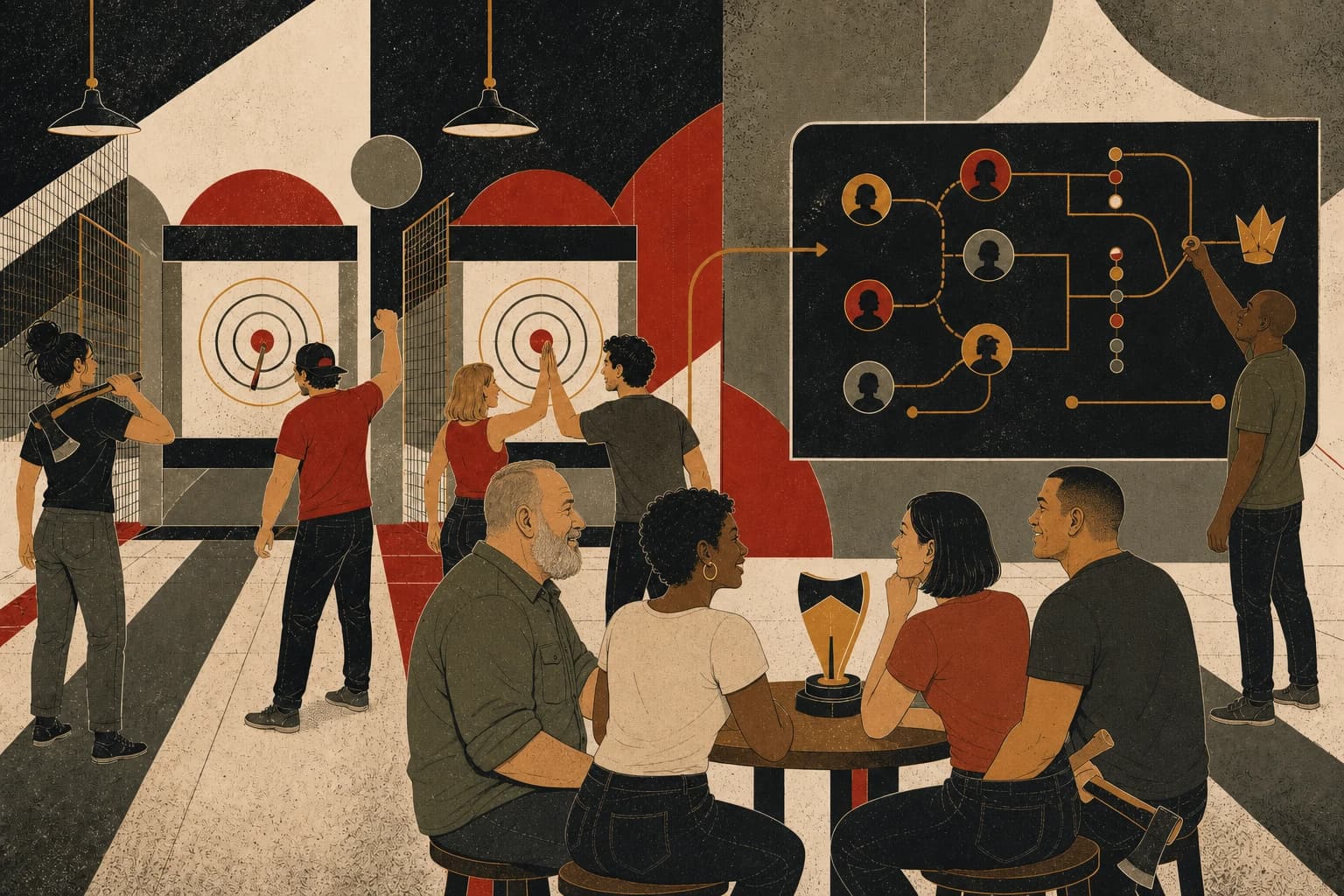
How to Run Leagues and Tournaments Without Spreadsheets
How to manage scoring, standings, brackets, player records, and bookings in one league workflow.
Blade resources / 04
What to Watch in an Axe Throwing Dashboard
The views owners can use when reviewing lanes, staffing, pricing, leagues, and customer activity.
See how Blade handles this across the venue.
Compare your current process with Blade’s connected workflow for booking, scoring, check-in, customer records, and reporting.